Service 03 · Bangalore · India & remote
CRM & Lead-Flow Automation
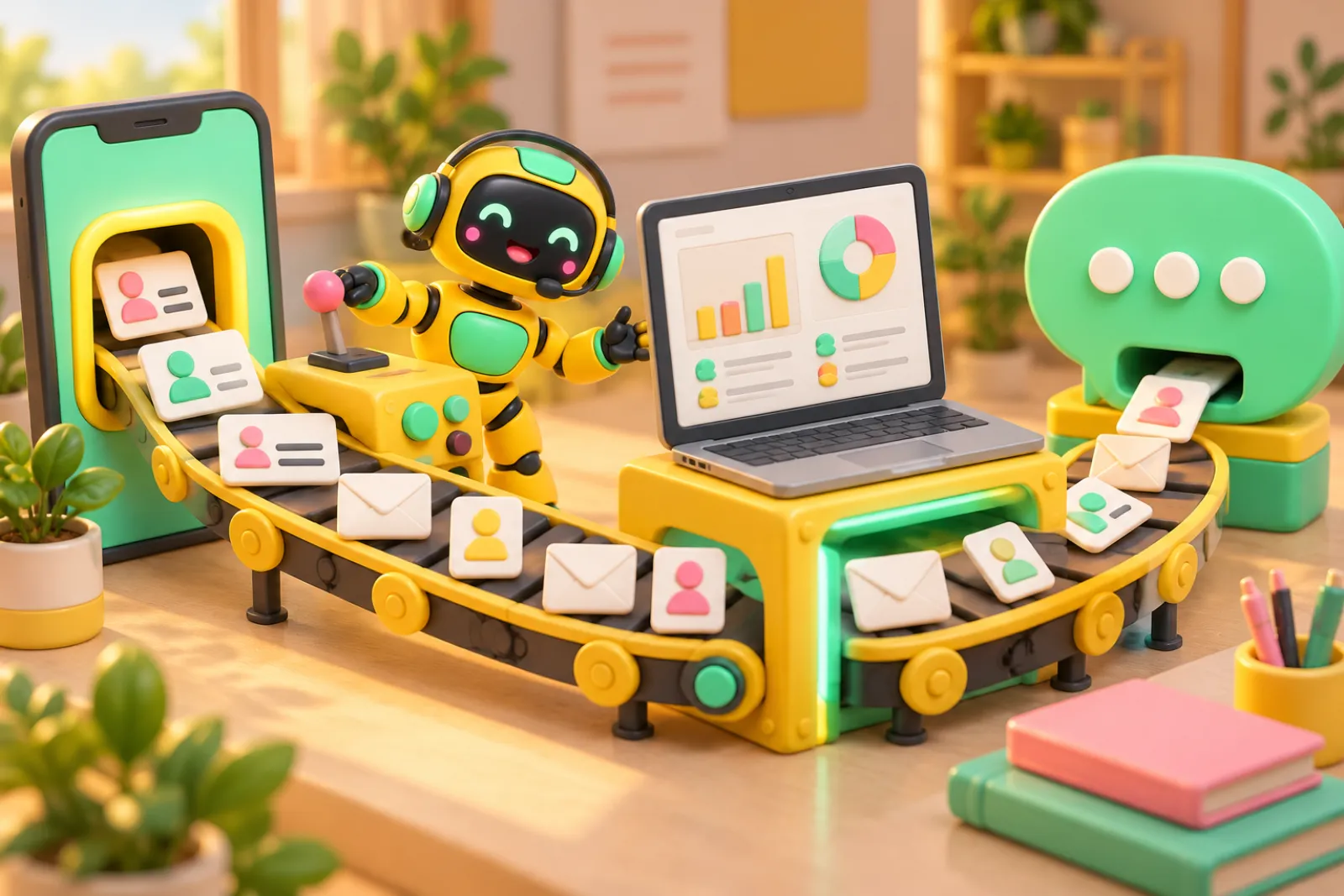
From Meta lead ad, website form or missed call to your CRM to a WhatsApp follow-up — in about a minute, with nobody copy-pasting.
CRM lead board · sample data
01 · The problem
Why it leaks
Most businesses already pay for leads — Meta lead ads, Google Ads, IndiaMART, JustDial, website forms. Then the leads sit in a Facebook inbox, an email, or a downloaded CSV until someone gets time to call. By the next morning, half of them have already spoken to a competitor.
What we build
A lead pipeline that moves every enquiry, from every source, into one place automatically: a CRM (or a well-structured Google Sheet if you are just starting). The lead is tagged by source and campaign, assigned to a person, and the customer gets an instant WhatsApp or SMS message so they know you have received the enquiry. Your team gets a notification with a click-to-call button.
Follow-ups that don't depend on memory
Most sales are lost in the follow-up, not the first call. We set up follow-up reminders and sequences: if a lead is not contacted in 10 minutes, the manager is alerted; if a quote is not answered in two days, a polite WhatsApp reminder goes out; if a lead goes cold, it is moved to a monthly nurture list instead of being forgotten.
Built from our own pipeline
We run this kind of pipeline for our own business: Meta lead-ad leads flow through a Google Sheet sync into our CRM, and inbound leads are captured by a webhook from our forms. We build the same plumbing for clients — on your CRM if you have one, or on a simple one we set up for you.
02 · How it works
How we build it
- 01
Trace Every Source
We list where your leads come from today and where they get stuck.
- 02
Pick the Home
Your existing CRM, a new simple CRM, or a structured Google Sheet — whatever your team will actually use.
- 03
Connect & Automate
Lead sources wired in, WhatsApp acknowledgement, assignment and follow-up rules switched on.
- 04
Check the Numbers
We compare leads in the ad platforms against leads in the CRM so nothing is silently dropped.
03 · What you get
Key features
- 01Meta & Google lead-form capture
- 02Website form & landing page webhooks
- 03Missed-call and IndiaMART/JustDial capture
- 04Instant WhatsApp acknowledgement to the lead
- 05Auto-assignment to the right salesperson
- 06Follow-up reminders & sequences
- 07Duplicate detection across sources
- 08Source-wise lead reports
Why it pays off
- Leads contacted in minutes, not the next day
- One list of every lead, from every source
- No more downloading CSVs from Facebook
- Managers see who has not been called
- Know which ad or source brings real customers
- Nothing depends on one person remembering
04 · Questions
Frequently asked questions
Do I need to buy a CRM?
Not necessarily. Many small businesses start with a well-structured Google Sheet plus automations, and move to a CRM once the team grows. If you already use a CRM such as Zoho, HubSpot or LeadSquared, we connect to it rather than replacing it.
How fast does a Meta lead reach my team?
With a direct connection, typically within a minute or two of the form being submitted. Sheet-based syncs run on a schedule, so they can take a few minutes. We pick the approach based on how much speed matters for your business and what your ad account allows.
What about duplicate leads?
The same person often fills two forms or messages and calls. We match on phone number (and email where available) so a repeat enquiry updates the existing lead instead of creating a new one — and your team sees the full history.
Is my lead data safe?
Lead data stays in accounts you own — your CRM, your Google account, your WhatsApp Business account. We use limited-access keys for each connection and do not keep copies of your customer data on our side beyond what the automation needs to run.
Free · 30 minutes · yours to keep